Pinterest Analytics: 7 Metrics That Predict Growth
Saves per pin, save rate, click-to-save ratio and four more numbers worth a monthly review — and the ones to ignore.
Read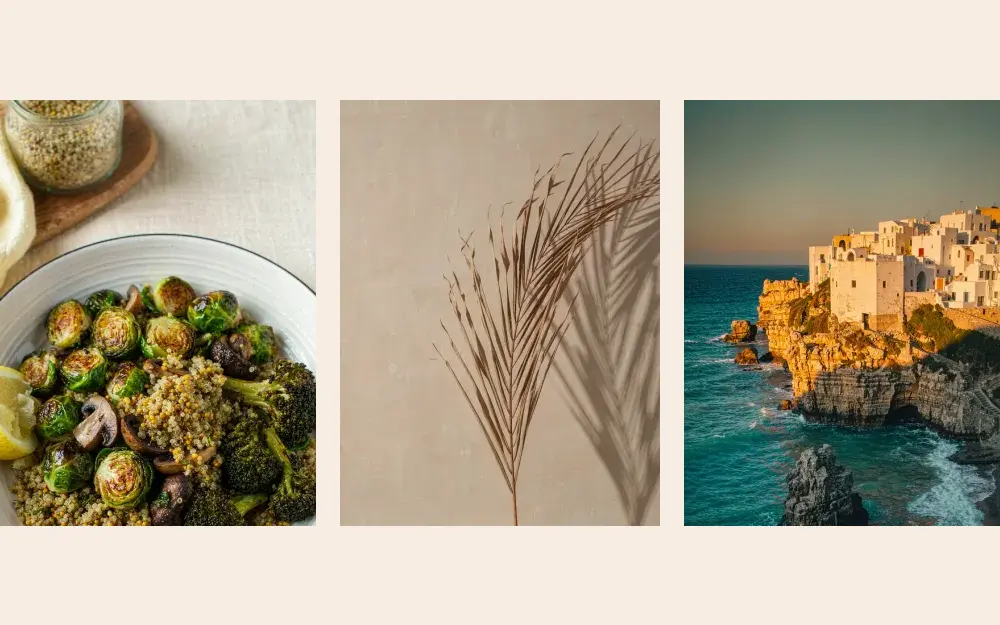
Editorial, Bold, Minimal, Magazine, Gradient and Photo — what each style is for, and the mistake that makes it fail.
Most pin templates fail because they try to be universal. The six styles in PinPower each solve a different content problem. Here is when to reach for each one.
A cream canvas, a serif headline and a framed photograph. It reads like a magazine cover, which is exactly why it works for food, interiors and long-form guides.
Best for: recipes, travel guides, home tours, roundups. Watch out for: headlines longer than nine words. Editorial layouts need breathing room.
Full-bleed photo, heavy uppercase headline, a single accent bar. This is the highest-contrast style and the one that survives a crowded feed.
Best for: fitness programmes, challenges, productivity systems, e-commerce launches. Watch out for: low-contrast photos. Add a scrim or pick a darker image.
Type on a warm background with nothing else competing. It looks effortless and it is the fastest style to produce consistently.
Best for: quotes, affirmations, newsletter promos, course waitlists. Watch out for: vague copy. With no image to carry the pin, the sentence has to do all the work.
A photograph on top, a white panel below with the headline, category tag and a "read more" cue. It mimics print layout, so it feels authoritative.
Best for: gift guides, gear reviews, tool stacks, comparison posts. Watch out for: cramming three ideas into the panel. One headline, one subline.
A saturated gradient, a glass card and a tight headline. It is the most "2026" of the six and stands out in categories dominated by photography.
Best for: SaaS, apps, templates, online courses, productivity. Watch out for: too many colours. Two stops, one accent.
A full-bleed image with a small title block and a category chip. The photograph does the emotional work; the type stays out of the way.
Best for: travel, fashion, weddings, interiors, food styling. Watch out for: busy images. Crop to the calmest third before adding text.
Ask what the pin is asking the viewer to do:
Pick two styles and use them for a month. Your pins start to look like a body of work rather than six unrelated experiments, and recognition compounds in the feed. Rotate the third style only when a campaign needs to feel different.
Browse the template gallery to see all six in context, or open the generator and switch styles on a single headline.
Saves per pin, save rate, click-to-save ratio and four more numbers worth a monthly review — and the ones to ignore.
ReadA repeatable five-step process for turning one article into two on-brand pins without opening a design tool for an hour.
ReadThe only three dimensions you need, the safe zones Pinterest covers with UI, and why DPI does not matter on screens.
ReadTurn your ideas into beautiful pins and grow your audience with the power of design. No credit card, no watermark.
PinPower is free for 10 pins a day. Share your link and every friend who joins adds 100 bonus pins to your account — and $5 in cash credit if they go premium.
No card needed. Unsubscribe from the programme any time.